Your Claude Code sessions, back exactly where you left them.
A crash, restart, or reboot doesn't have to cost you your terminal windows. Restore AI Windows reopens your iTerm sessions and browser windows — tabs grouped into their original windows, on the exact virtual desktop, position, and size.
Free & open source · macOS · iTerm2 required
Snapshot every 2 minutes. Restore in seconds.
- iTerm+ browser windows
- Groupedby project
- Geometryposition, size, Space
- Loginauto-restore agent
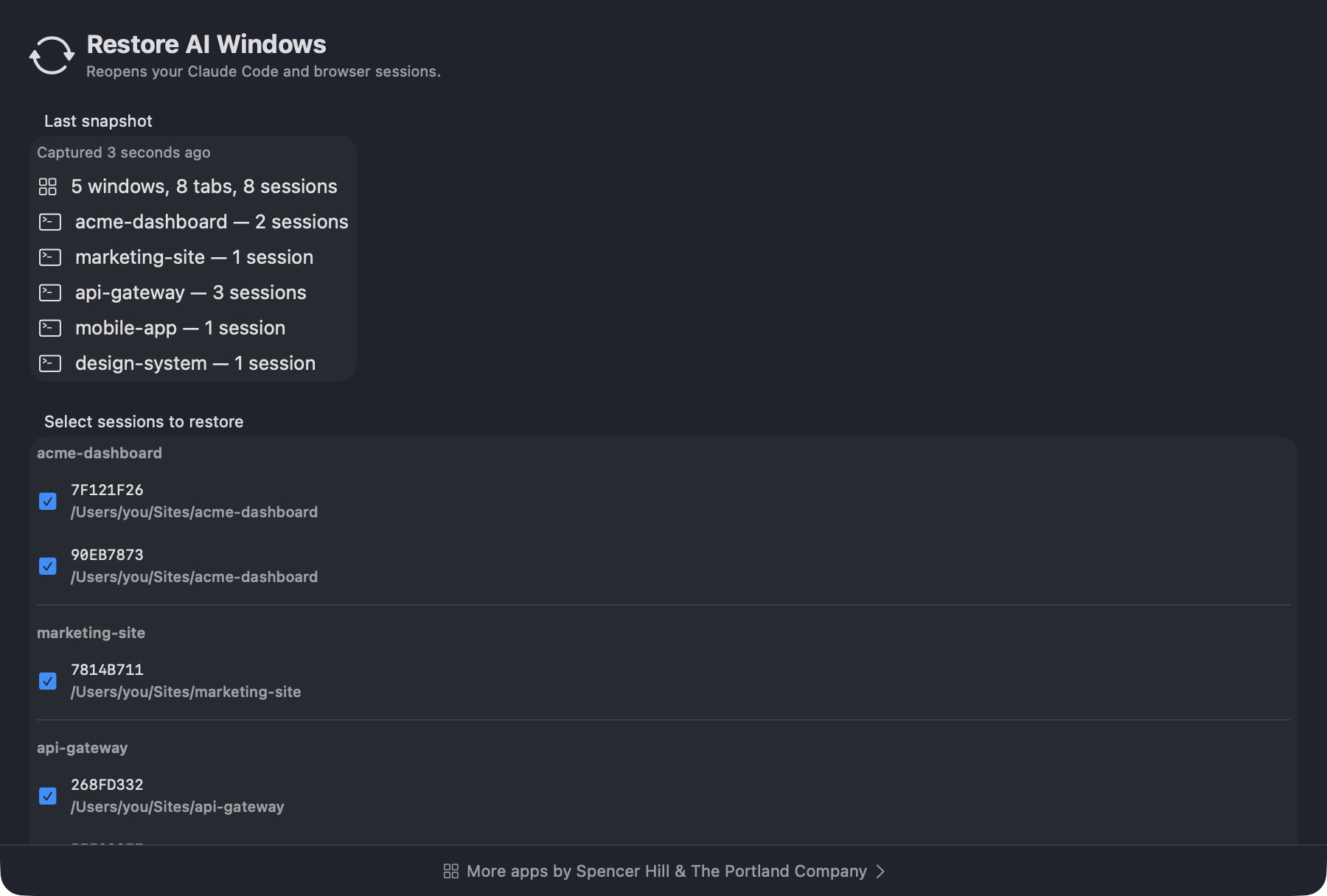
One window per project, one tab per session.
Restore AI Windows reads each Claude Code session's working directory
and groups them the same way you organize your projects — a
~/Sites/<project> window, a tab for each session in
it, with the project name shown right in the iTerm badge.
- Reads the most-recent
cwdfrom every active transcript - One iTerm window per project, one tab per session
- Friendly project name shown in the iTerm badge
- Skips the trust prompt and auto-picks Resume from summary
Windows come back at the exact position, size, and Space.
A launchd snapshot agent records each project window's frame and virtual desktop every couple of minutes. On restore, that geometry gets played back — so your layout survives a crash the way you left it, not just as a pile of default-sized windows.
- Captures position, size, and Space for every iTerm window
- Each window reopens on its original desktop, then you're returned to where you started
- Exact on-screen position, even across multiple displays
- No manual re-tiling after a reboot
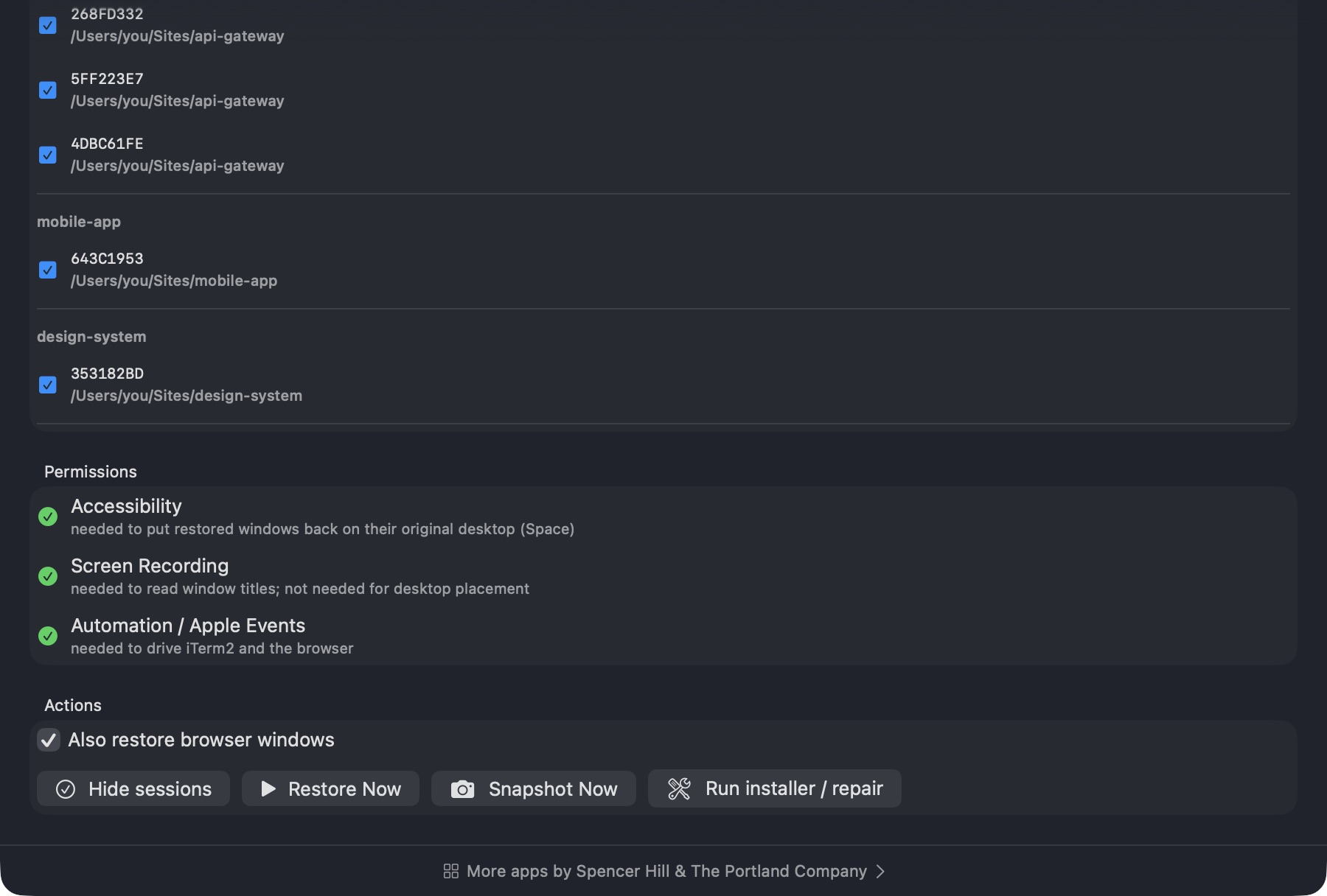
Browser windows come back too — tabs grouped, Space intact.
Alongside your iTerm sessions, Restore AI Windows snapshots your BrowserOS / Chromium windows: their tabs, grouping, geometry, and Space. On restore, it opens one window per saved group and puts it back where it was.
- Works with any Chromium-family browser with AppleScript scripting
- Tabs stay grouped into their original windows
--browserflag to restore browser windows onlyRESTORE_SKIP_BROWSER=1to opt out and restore iTerm only
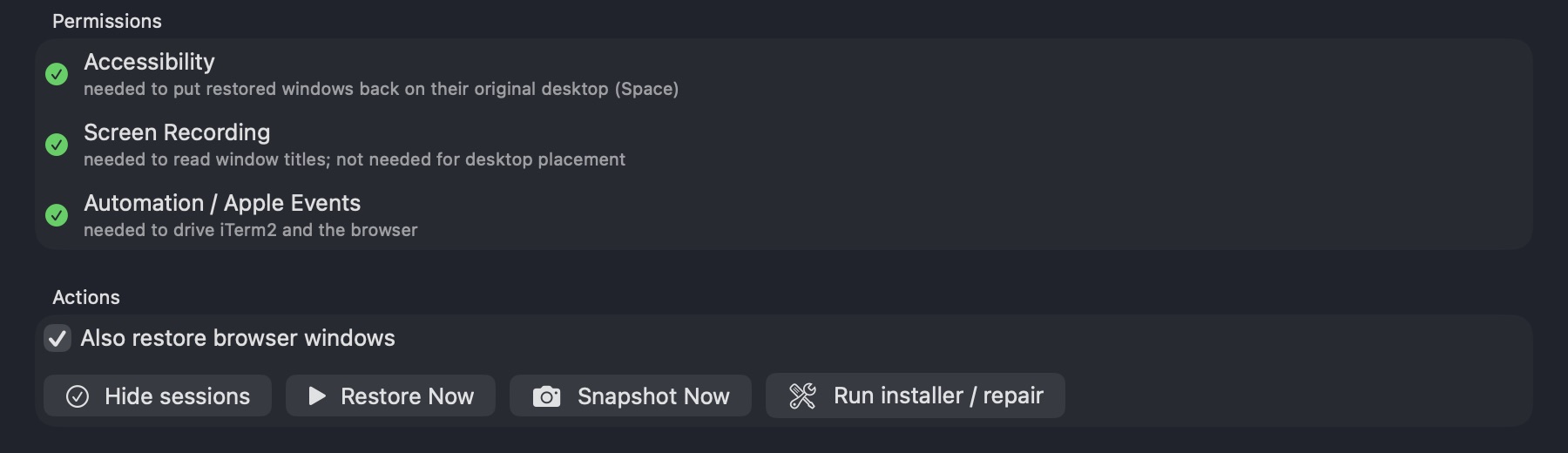
"Restore my sessions" — hands-free
A bundled Claude Code skill runs the restore from inside a session — just say "restore my sessions." No terminal command to remember.
A launchd agent restores your last snapshot automatically at every login — no click required.
Each restored session gets a prompt to summarize and pick up right where it left off.
A background launchd agent records active sessions and window geometry, so restore is never far behind.
Every window, back on its own desktop.
Space restore rebuilt for current macOS, plus a signed, notarized app.
- iTerm windows reopen on their original desktop (Space), reliably
- Windows land at their exact saved position and size
- Signed with Developer ID and notarized: no Gatekeeper warnings, and permissions stick across updates
- New app icon, matching the rest of The Portland Company's apps
- "More apps" link is always visible at the bottom of the window
- From 1.1: live progress bar, sessions that keep going on their own, a few restores at a time
What it needs to run.
One manual step after install: grant Accessibility so windows return to their desktops.
- macOS
- iTerm2
- Claude CLI on your PATH
- python3 + Xcode Command Line Tools
- Accessibility permission (for desktop placement)
- Screen Recording, optional (reads window titles)

Stop losing your windows to a crash.
Free and open source. Grab the DMG or install from source.
Free · macOS · MIT licensed